Quick answer
Duplicate Meta purchases almost always mean two tracking sources firing at once: old pixel code in theme.liquid, a Meta tag in Google Tag Manager, a forgotten custom pixel or app, Purchase firing again when the order page reloads, or browser and server events without a shared event ID. Keep one source, the Facebook & Instagram app, and remove the rest.
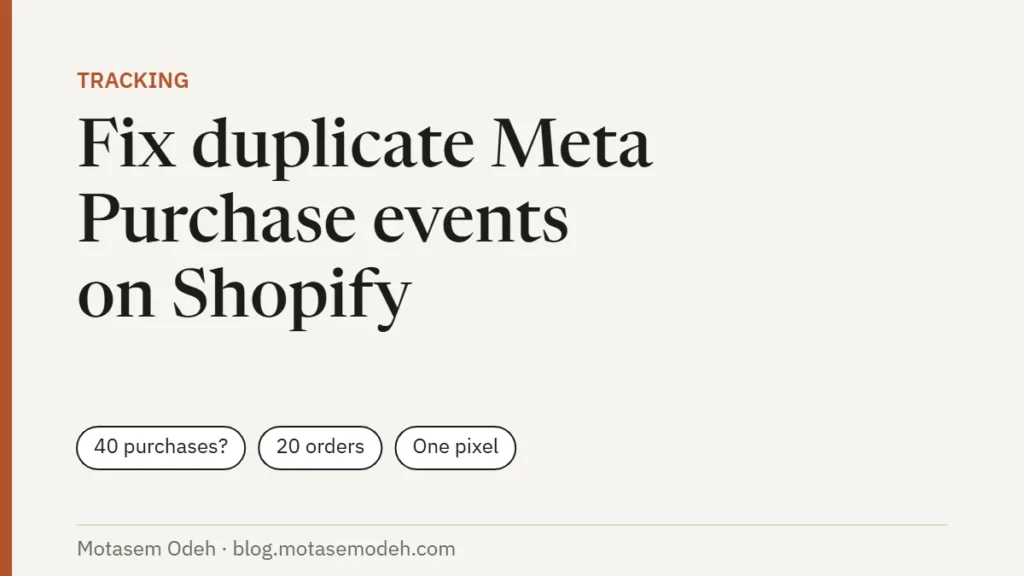
You check Ads Manager and see 40 purchases. Shopify shows 20 orders. Your ROAS looks amazing and is completely wrong. Duplicate purchase events are the most common tracking problem I fix on Shopify stores, and they quietly wreck campaign optimization because Meta learns from fake conversions. Here’s how to find the cause and fix it.
In this article
How to confirm you have duplicates
- In Events Manager, open your pixel and click the Purchase event.
- Compare the event count for a past week with the number of Shopify orders in the same week. More than ~10% above your order count is a red flag; double is a definite problem.
- Open the event details and check deduplication. Meta shows whether browser and server events are being matched and merged.
- Check how many pixel IDs fire on your store. Open your store, then use the Meta Pixel Helper browser extension, or run my free Meta pixel checker.
The 5 causes (in the order I check them)
1. Pixel code still in the theme
Old installs put fbq('init', ...) directly in theme.liquid. If you later connected the Facebook & Instagram app, both fire.
Fix: search the theme code for fbq( and connect.facebook.net and remove it. Keep the app as the only source.
2. Pixel also loaded through Google Tag Manager
A Meta tag in GTM plus the Shopify app means two sets of events with different event IDs, so Meta can’t deduplicate them.
Fix: pause or delete the Meta tags in GTM, or remove the app. Choose one.
3. A forgotten custom pixel or third-party app
Check Settings → Customer events for custom pixels, and your installed apps for anything that “adds Facebook pixel” (upsell, funnel, page-builder and post-purchase apps often do).
Fix: remove the extra pixel or turn off the app’s pixel setting.
4. Purchase fired on page reload or post-purchase pages
Scripts on the order status page or post-purchase upsell pages can fire Purchase again when the customer reloads or returns.
Fix: remove legacy “additional scripts” and let the app or a custom pixel’s checkout_completed event handle purchases.
5. Browser and server events without matching event IDs
If you send server events yourself (custom CAPI, a server-side tagging setup), the browser and server Purchase must share the same event_id. Without it, Meta counts both.
Fix: generate one event ID per order and pass it to both. The Shopify Facebook & Instagram app does this for you on Maximum data sharing.
After the fix
- Watch Events Manager for 3–7 days. Purchases should now sit close to (slightly below) your Shopify order count.
- Expect reported ROAS to drop. That’s the real number, and campaigns will optimize better from now on.
- Make a note of the date. Comparing before/after performance needs that context.
Need the setup from scratch? Follow my Meta Conversions API on Shopify guide. Prefer it done for you? My Meta CAPI setup package includes removing duplicates and verifying deduplication.
FAQ
Is it OK to have two different pixels?
Only if they’re intentional (for example, a separate agency pixel) and your ads use one of them consistently. Two pixels sending the same events to the same ad account is the problem.
Why are my purchases lower than Shopify orders?
Some loss is normal: consent banners, ad blockers and customers paying via methods that don’t return to the store. 5–15% under is typical; far lower means a setup issue.